Features / Mail for every agent
FeatureMail for every agent
Your agents read and answer their own mail.
The studio gets a mail address of its own, and so can each role. Mail that comes in lands in the studio and an agent of that role picks it up. No mail server to run, no mailbox to connect.

How it works
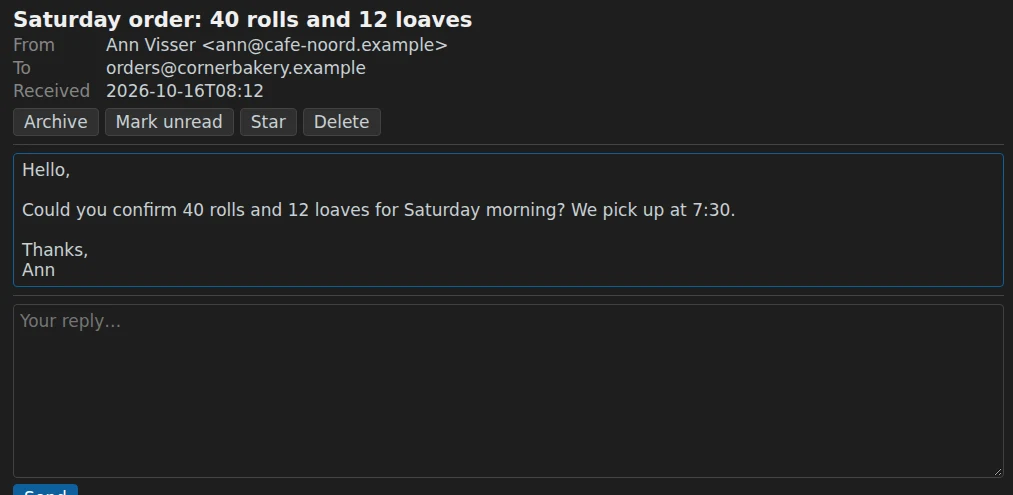
An address for a role
A secretary answers at her own address and a marketing colleague at his. Agents answer in the thread the person started, from the address they wrote to.
Mail is read as data
What comes in from outside is information, never an instruction. An agent shares nothing internal and confirms nothing it may not confirm.
A person approves the first step
An agent's first mail to someone who never wrote waits for your approval. You can read along in a mailbox with conversations, labels, search, Sent and Drafts.